

39C3: Self-organized Sessions
TL;DR
- Workshops, group meetings, short talks, … – Our collective term for all of these is Self-organized Sessions.
- You can create Self-organized Sessions already, but dedicated rooms will become bookable gradually this time. The start date for each round has now been determined, see below!
- An overview of all Self-organized Sessions can be found in the Hub.
- If you are interested in a session, log in and mark it as a favourite – this helps us estimate how large the room needs to be.
- To create new sessions yourself, use the Hub’s Backoffice.
- Assemblies can decide whether they want to open their “rooms” for Self-organized Sessions. To use that feature, please contact the Hub Support.
Self-organization is the magic word
You want to organize a group meeting or a gathering on a specific topic? Run a workshop? Host a competition or a game? Have you organized something outside the building? Would you like to give a short talk or screen a film? Start a follow-up discussion to one of the main talks? Or plan anything else that needs a place at Congress?
Instead of listing all these things individually or making separate categories, we introduced the term Self-organized Session (SoS) a few years ago. As the name says: these sessions are organized by you.
To create a session, click the plus icon in the top-right corner of the Hub homepage and then select “Self-organized Session”. You will be forwarded to the Hub Backoffice. If you don’t have a Hub account yet, you should create one first.
More details can be found in the Events Howto.
Room booking
Self-organized Sessions can take place almost anywhere as long as you follow the rules. This is why the location field is a free-text field. Of course, you should check beforehand whether the place you want to use is actually available. For example, you can meet at a bar or inside an assembly (please coordinate with the assembly in advance!). Areas that cannot be used under any circumstances include escape routes – meaning any type of passageway, corridor, hallway, etc.
If you need a space for more people, you can book one of the rooms listed below, or ask an assembly whether they have space available for your session.
When publishing the session, the system checks whether the selected room is still available at your chosen time; otherwise you will see an error message. Once you have filled in the information and saved and published the session, it will appear in the overview so that other participants can find it. If you selected one of the pre-defined rooms, it will later also appear in the full schedule.
This year, not all slots will be released at the same time. Booking for the central SoS locations will open in multiple rounds, so new sessions can still be added throughout the entire period.
- The first round will start on Sunday, December 21st at 11:00 CET.
- The subsequent rounds will start in Days 1, 2, and 3 at 11:00 CET, i.e., every 24 hours. So new sessions can be added throughout the entire period.
Also new this year: When you select a room, the free 25-, 50- or 80-minute time slots will be shown. Sessions therefore always start on the full hour or on the half-hour.
The following rooms are available for Self-organized Sessions:
- SoS Stage H for up to 200 people, located in the center of Hall H (ground floor),
- SoS Lecture E with theatre-style seating (chairs in rows) + banquet seating (5 large, round tables) in the back, approx. 235 seats; (Hall E, 2nd floor),
- SoS Workshop D with banquet seating (large round tables – ideal for workshops), approx. 120 seats (Hall D, 2nd floor), and
- SoS Lecture 6 with theatre-style seating for approx. 60 people (Hall 6, 1st floor).
These four SoS rooms will become bookable via the Hub at specific times yet to be announced.
Please note that each round follows a “first come, first served” principle. Some slots may already be used for team meetings or, for example, the CCC regional meetup before public booking phases open.
In addition, the following lecture halls are coordinated by assemblies:
- Saal 5 (Jugend hackt / chaos.jetzt)
- Saal Y 06 (Haecksen)
- Saal X 07 (Sendezentrum)
You can find further event locations on the venue overview page in the Hub.
Equipment
All rooms listed above are equipped with a projector/screen and a sound system, but sessions will not be streamed or recorded by the VOC.
What is not okay?
- Commercial advertising & crypto-shilling
- Off-topic content
- Discrimination
Closing remarks
We trust you to submit cool and relevant sessions. Slots will be released in phases and will be visible immediately after booking.
If you come across sessions that seem problematic, you can flag them. Our moderation team will review and decide.
If you have any further questions about Self-organized Sessions or workshops, feel free to contact 39c3-sessions@cccv.de, or go to the Infodesk during Congress. When contacting us, please always include a link to the relevant Self-organized Session — preferably the URL of an SoS draft created in the Hub Backoffice, or the public event URL https://events.ccc.de/congress/2025/hub/event/detail/XXX.
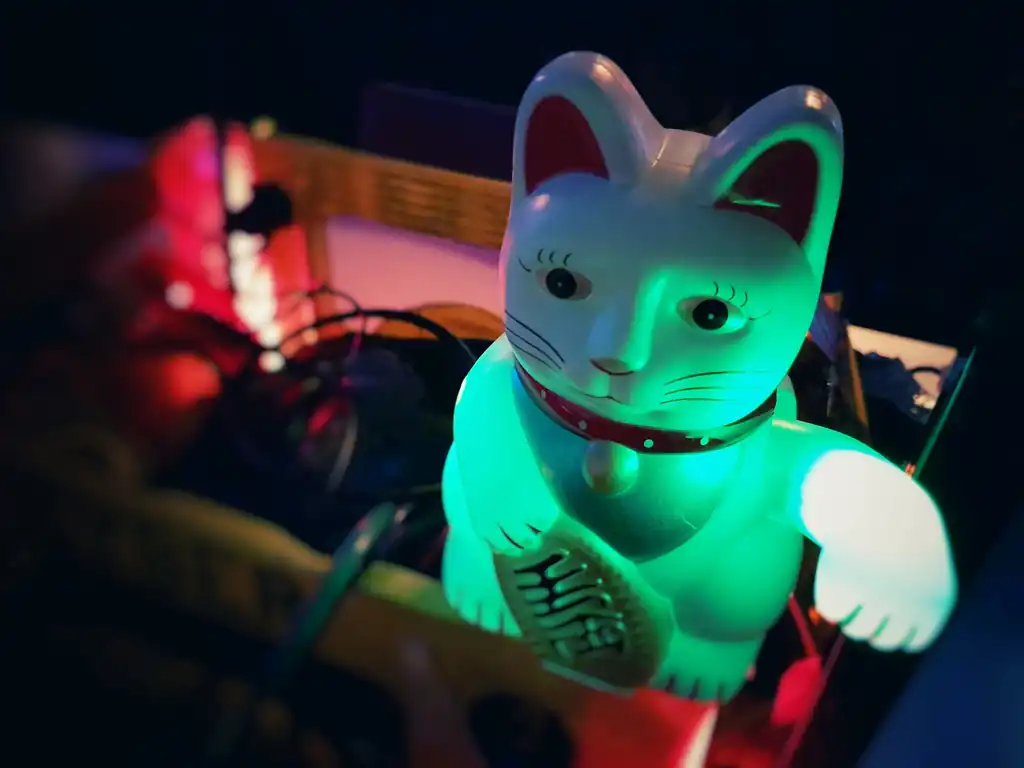
Image by Yves Sorge, CC BY-SA 2.0